How to Notify Writers in Slack when Airtable Status Changes to Revision
You know the drill. You're in Airtable, you spot a task that needs another look. You change the status field to "Revision." And now what? You switch tabs, fire up Slack, try to remember the writer's handle, and type out a polite but rushed heads-up. It's a tiny task. But you do it 30 times a week. It adds up. It's pure friction. Actually, it's a waste of your time. Here's the thing: your content workflow tool shouldn't create *more* work.
Why Zapier is Your Glue Gun for This Mess

Forget complex API docs. You don't need a developer. Zapier is the duct tape of the internet. It connects apps so you don't have to. Think of it as a rules engine. "When *this* happens in App A, do *that* in App B." In our case: when a status changes in Airtable, post a message in Slack. Simple. Elegant. It handles the grunt work while you focus on, you know, actual content strategy.
Building Your "Revision Alert" Zap: A 5-Minute Setup
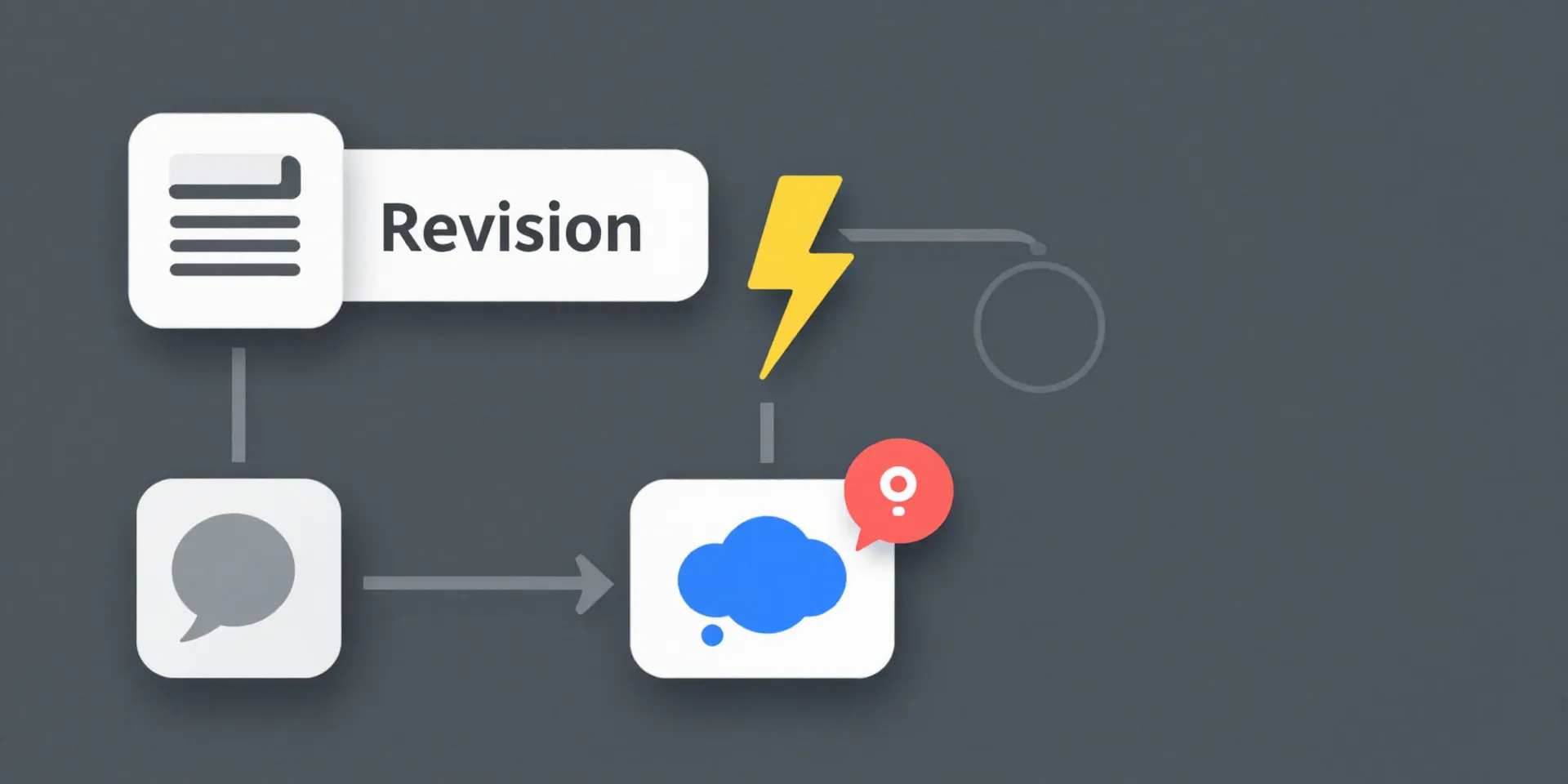
Let's build the thing. Log into Zapier and click "Create Zap." First, choose your Trigger. Search for and select **Airtable**. Pick the event: "New or Updated Record." Connect your Airtable account and select the Base and Table you use for your content pipeline. This is where you set the rules. For the "Trigger Value," you'll pick the field you use for status—probably something like "Stage" or "Status." Then, tell it to only watch for the specific value: **Revision**. Congratulations. You've just taught it when to pay attention.
Crafting a Slack Message That Actually Gets Read
Now for the Action. Search for and select **Slack**. Choose "Send Channel Message." Connect your Slack workspace. Here's where you get human. Don't just dump raw data. Use Zapier's dynamic fields to pull info *from* that Airtable record. Like the article title. The writer's name or Slack handle. Even a link to the Google Doc. Format it like a colleague would. `Hey @[Writer Handle], just a note that '[Title]' is back with us for revisions. Doc link: [Link].` See? Useful. Direct. No searching required. It lands in the right channel, and the writer gets a clean ping. Zero effort from you.
The Real Magic: No More "Sorry, I Missed That"
This isn't about flashy tech. It's about removing a tiny, stupid obstacle. Once this Zap is live, the "Revision" status isn't just a box you tick. It's an action. It triggers a clear, actionable signal to the person who needs to know. Writers aren't left guessing or checking Airtable obsessively. You stop being the human switchboard. The workflow just... flows. Your job becomes reviewing the work, not reminding people about it.