Connecting Mailchimp to Airtable to Automate Newsletter Creation
Let's be honest. Your current newsletter process is a mess. It probably involves a Google Doc, seventeen screenshots, a frantic Slack message to find the right link, and a lot of copy-pasting into Mailchimp. It’s tedious. It’s error-prone. And frankly, it’s a colossal waste of your creative energy. You know there must be a better way. There is.
Your Secret Weapon: The Content Database
This is where Airtable struts in. Think of it less as a spreadsheet and more as your mission control for content. Every blog post, social snippet, or product launch link becomes a single record. You add fields: Title, Description, Image URL, Category, Publish Date. Boom. Suddenly, all your content is sitting in one searchable, sortable, beautiful database. It’s no longer scattered across different apps. It’s primed and ready.
The "Magic Zap" That Connects It All

Here's the thing. Airtable and Mailchimp don't natively hold hands. That’s okay. We use a chaperone. Enter Zapier (or a similar automation tool). You set up a simple trigger and action. The trigger: "When a new record is added to my 'Newsletter Content' view in Airtable." The action: "Add that record as a new subscriber to a specific audience in Mailchimp" — but not really. Actually, you'll use a clever workaround, like adding the content details to custom fields or a hidden merge tag. This connection is the invisible pipeline.
Building Your Newsletter on Autopilot
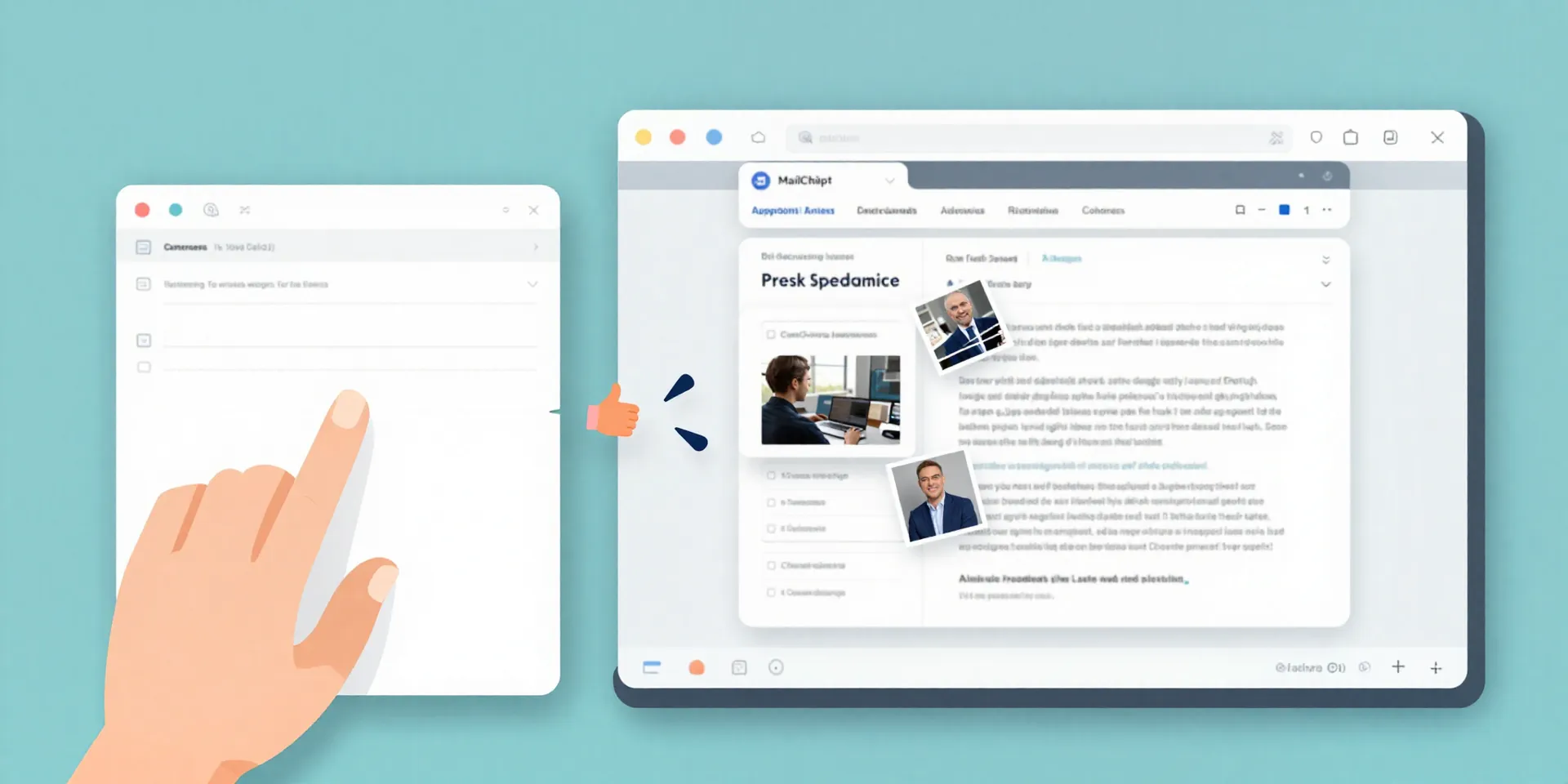
So the pipeline is built. New content gets tagged in Airtable. Zapier sees it. What next? This is where your Mailchimp template gets smart. You design a template that pulls information from those custom fields or merge tags Zapier filled. The title, the excerpt, the link, the image. Your template is no longer static; it's a mold waiting to be filled. When you send a campaign using that template, it dynamically pulls in the latest content you’ve queued up. The assembly is automatic.
The Real Win: Getting Your Week Back
Forget about the mechanics for a second. Think about the result. No more last-minute scrambles. No more “oh-crap-I-forgot-that-link.” Your weekly newsletter goes from being a multi-hour chore to a 10-minute review-and-send task. That frees you up to do the actual work:writing better content, analyzing what resonates, and connecting with your audience. The system handles the busywork. You handle the strategy.
Start Simple, Then Get Fancy
Don't try to build the Enterprise on day one. Start with one thing: automating the link for your lead article. Get that working flawlessly. Feel the victory of not having to manually paste a URL. Then, maybe add the feature image. Then, the excerpt. You can build in logic for categories, A/B testing different headlines from your Airtable—the sky's the limit once the foundation is solid. The goal isn't complexity; it's reliability that gives you peace of mind.